Worksites offer the convenience of authorizing work at a parcel level, enabling you to grant approval for all planned tasks associated with specific worksite(s) in one unified action, rather than the need for individual authorizations.
Adding a Worksite
Click + Add Worksite button to start creating a Worksite.

Click each vertex/corner of the parcel to create the geometry of the new Worksite
Editing tip: The small green buttons on top of the map allow you to do these functions from left to right. Generate a point at your location, stream your location, undo last point, redo last point, and discard all points.
Click Create after finishing the sketch and adding additional information in the details to the left.
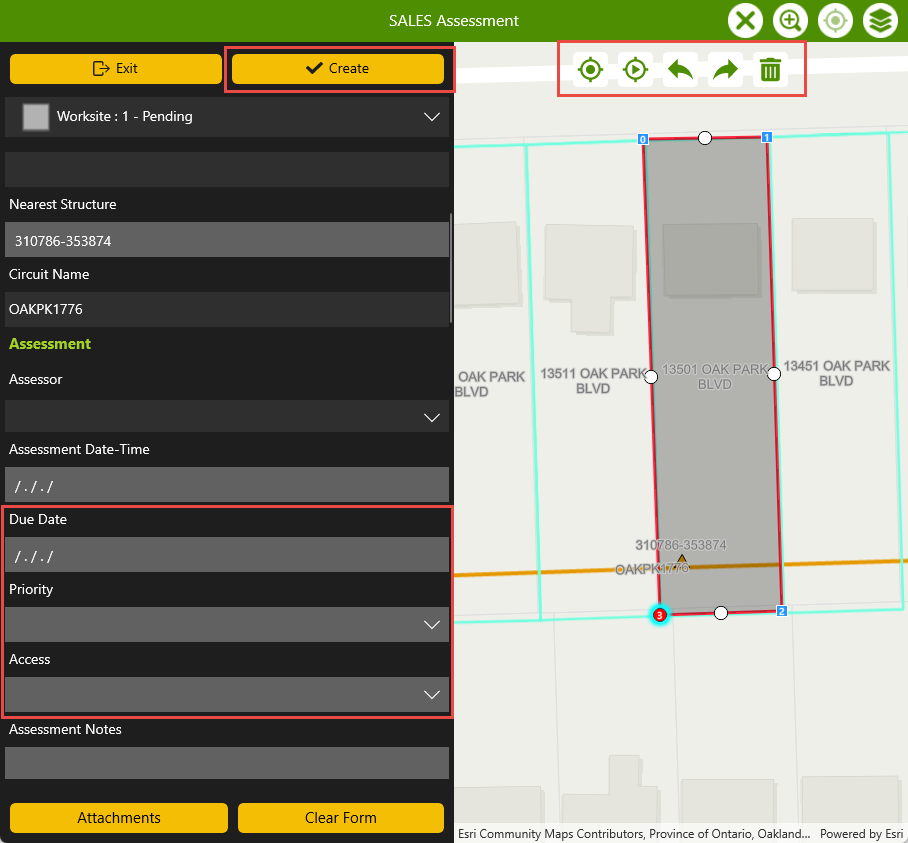
Once created you will see your new Worksite generate in a Pending status(gray).
Click Exit once you’ve completed creating worksites. This will bring you back to the list of Worksites.
Creating Tasks within a Worksite
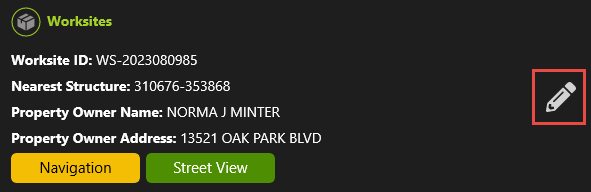
Search within the list of worksites or within the map to highlight and select the pencil icon next to the desired record to see it’s details
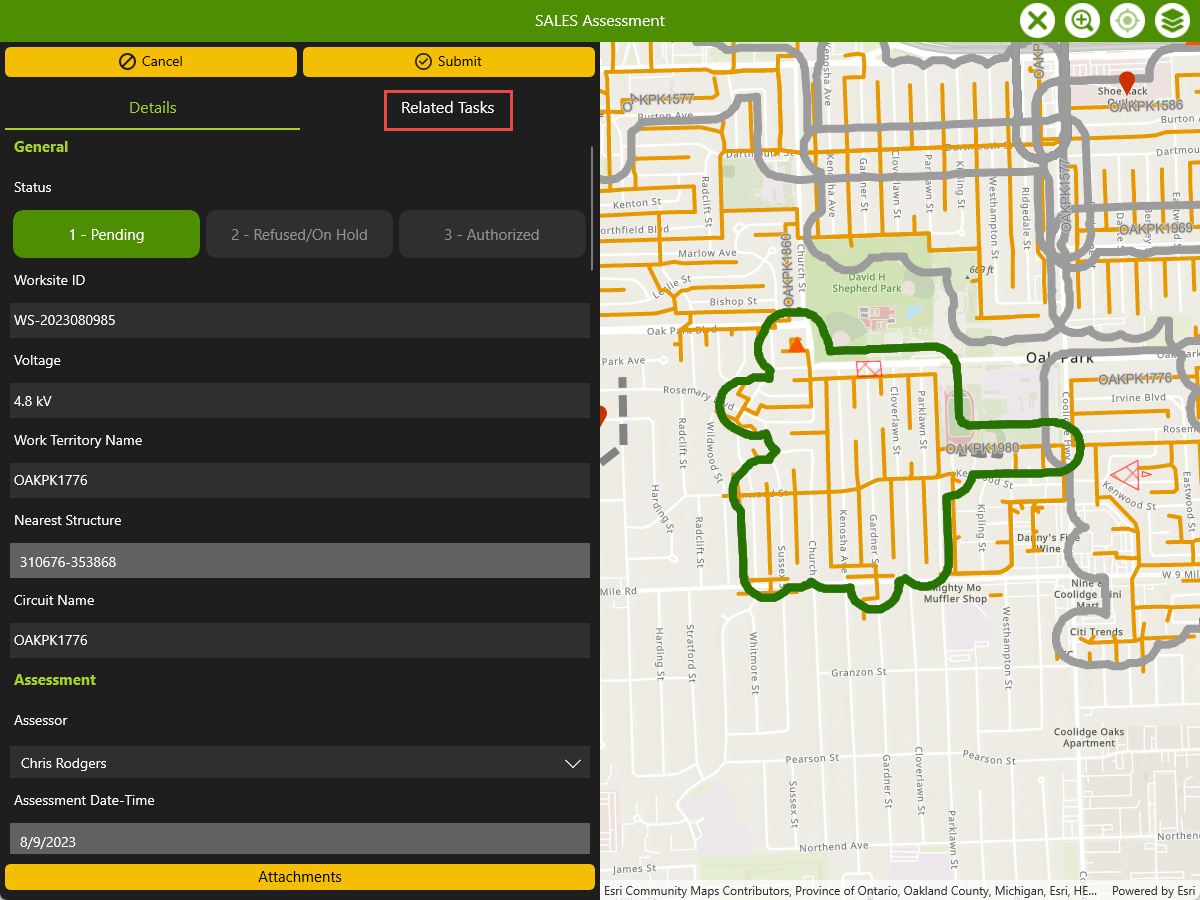
Click Related Tasks tab within the details view of the selected Worksite
Click the + Add button on the bottom righ
Select Work Area, Linear Work, and Work Locations from the dropdown
Click Create once you’ve drawn in the task and updated details.
Refer to Create a Work Task section below or in the overview section for further instructions on work task creation.